Blog editor
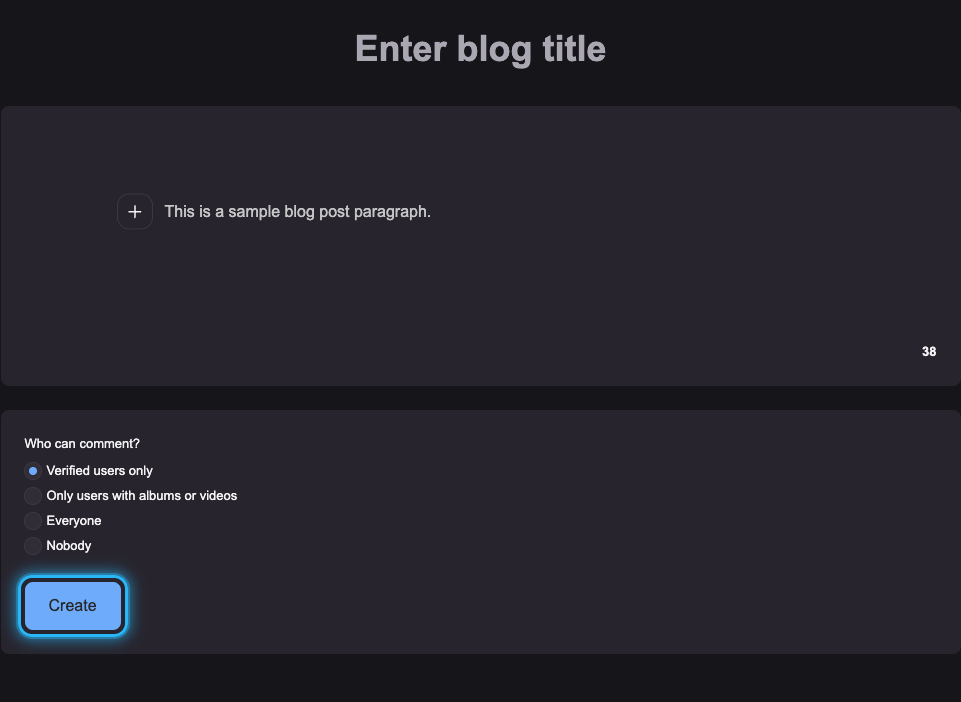
✏️ The Blog editor allows easy creation and editing of blog articles. It offers a clear environment and formatting tools that help you create more structured and readable content without the need to use Markdown.
In the editor you can:
- format text with one click,
- highlight important text,
- add lists,
- insert links,
- insert images,
- set who can comment on the article.
How to use the editor?
1️⃣ At the top of the editor, enter the blog title (main heading of the article).
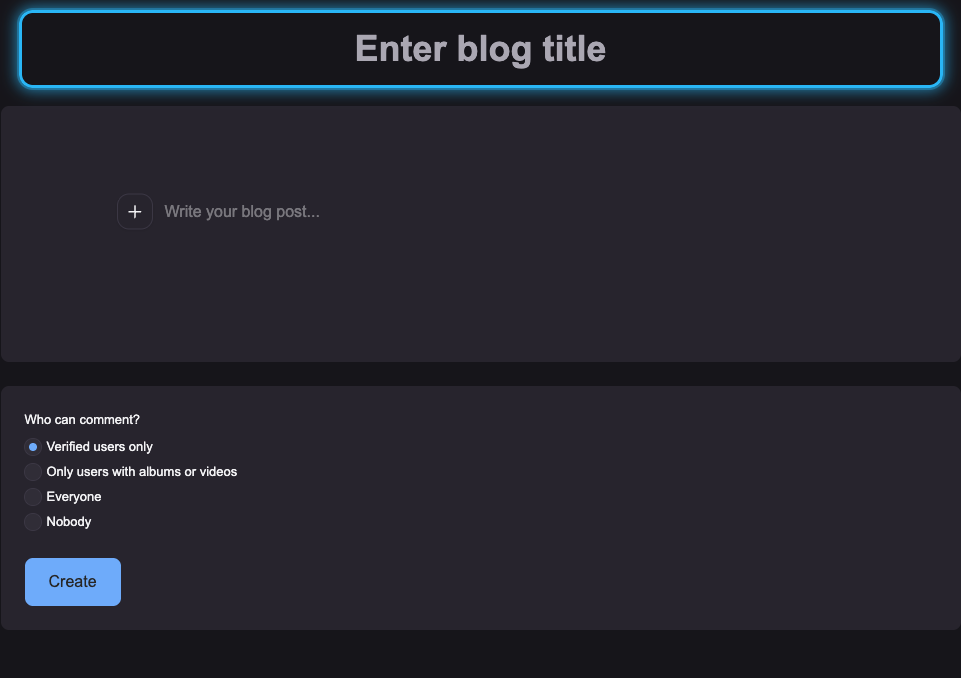
2️⃣ Below this field is the space for writing and editing the article content itself.
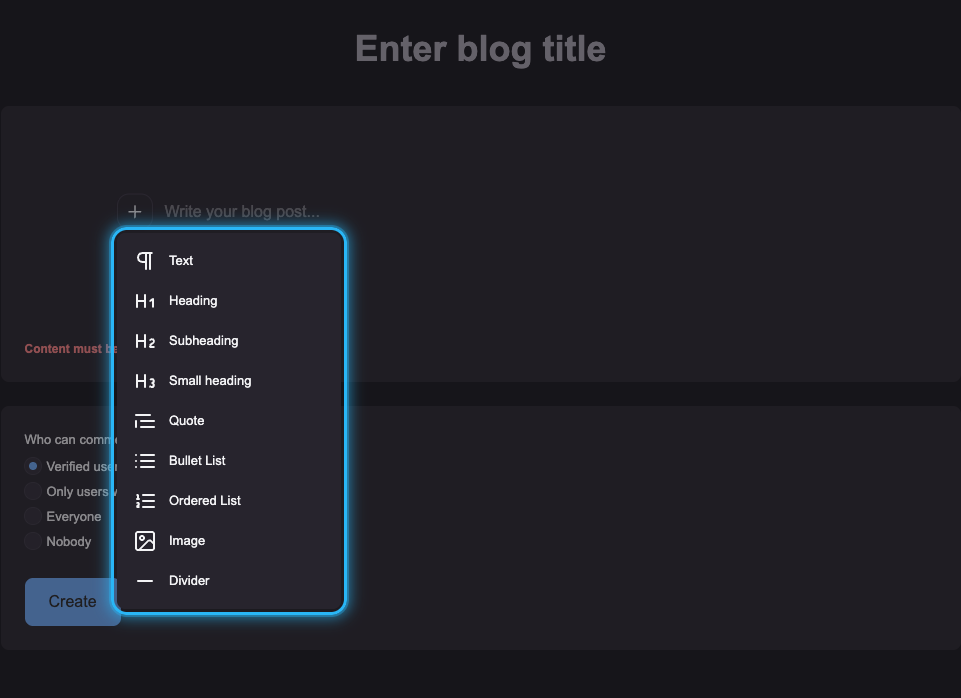
➕ To insert elements, click the "+" icon.
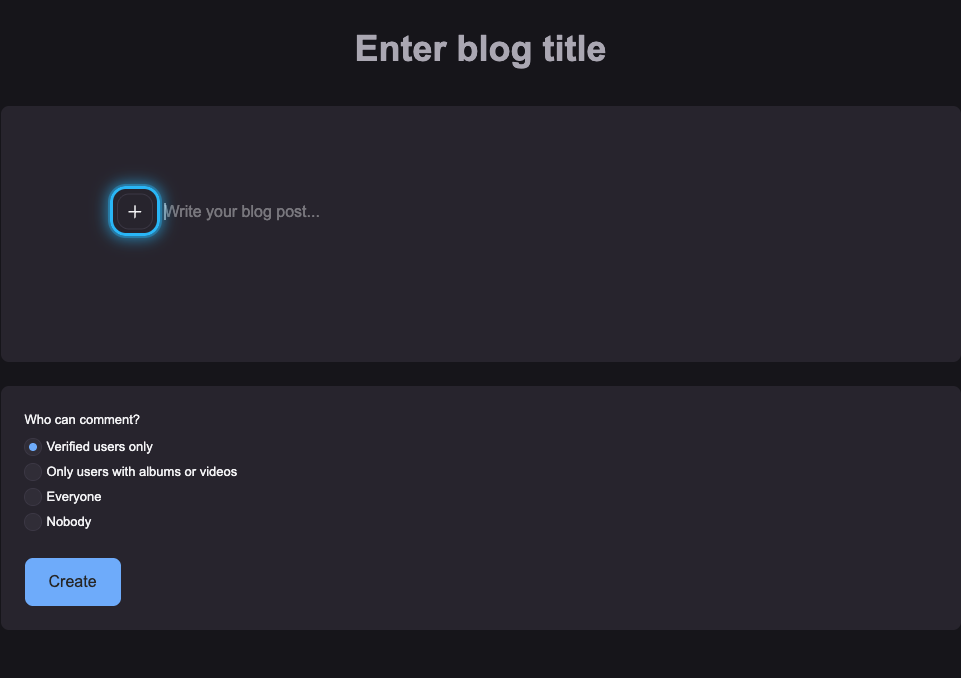
You can choose from:
- Paragraph
- Heading
- Subheading
- Small heading
- Quote
- Bullet list
- Numbered list
- Image
- Divider
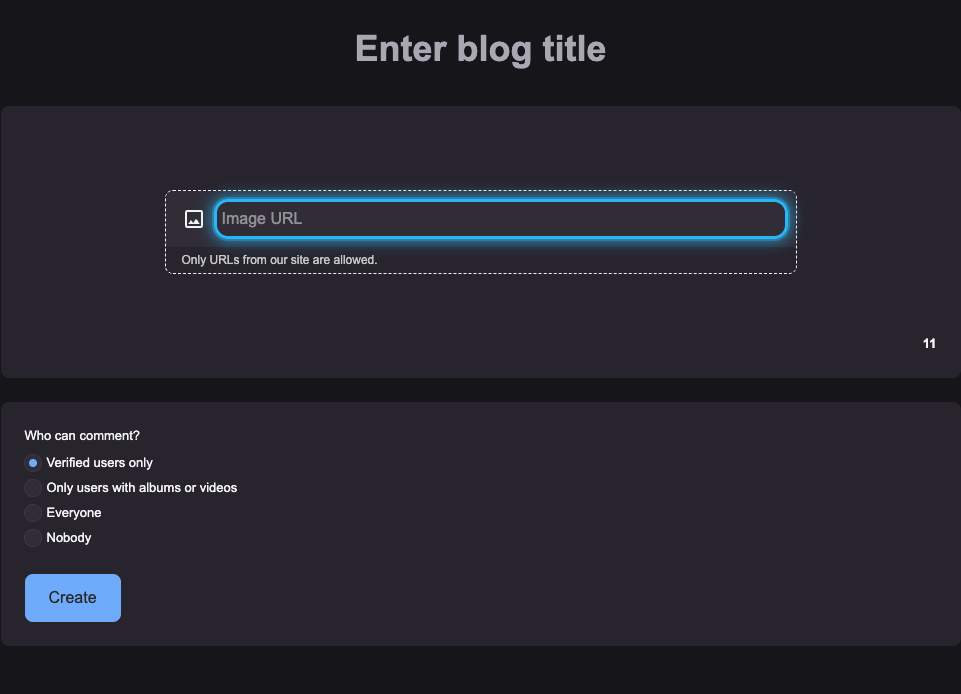
🖼️ Inserting an image into the article
Only images from Amateri.com can be used.
Open the image in full size and copy its URL from the browser address bar. Then paste this URL into the appropriate field in the editor.
🎨 Text appearance
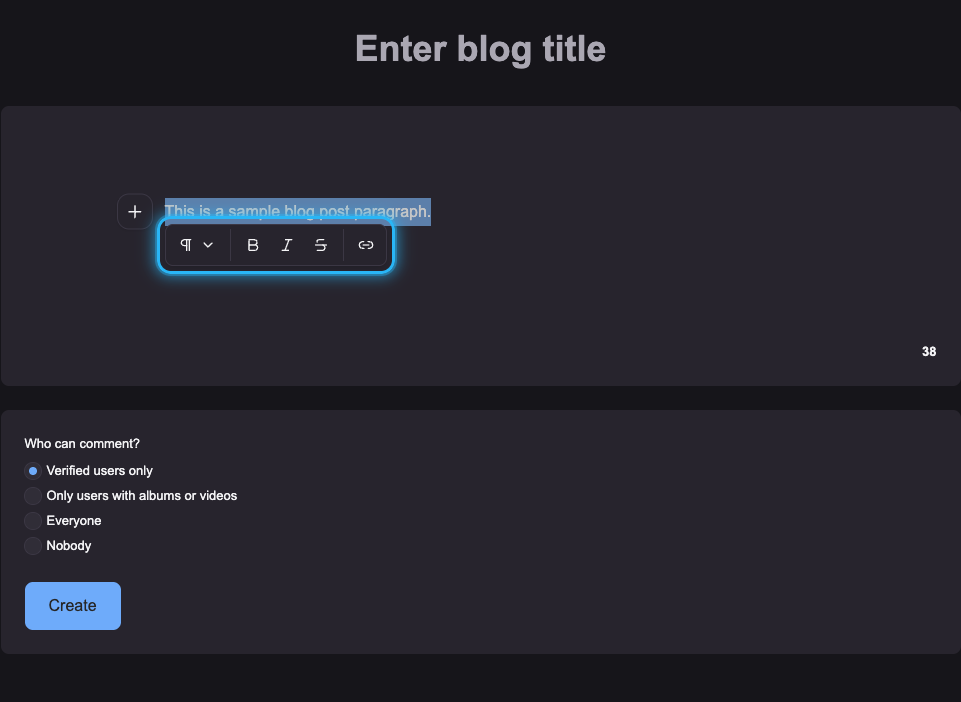
If you want to edit the text style (e.g. bold, italics, or strikethrough), first select the text.
A panel with options will appear where you can choose the desired formatting.
3️⃣ In the last field, you can set who can comment on the article (verified users only, users with albums or videos only, all users, or no one).
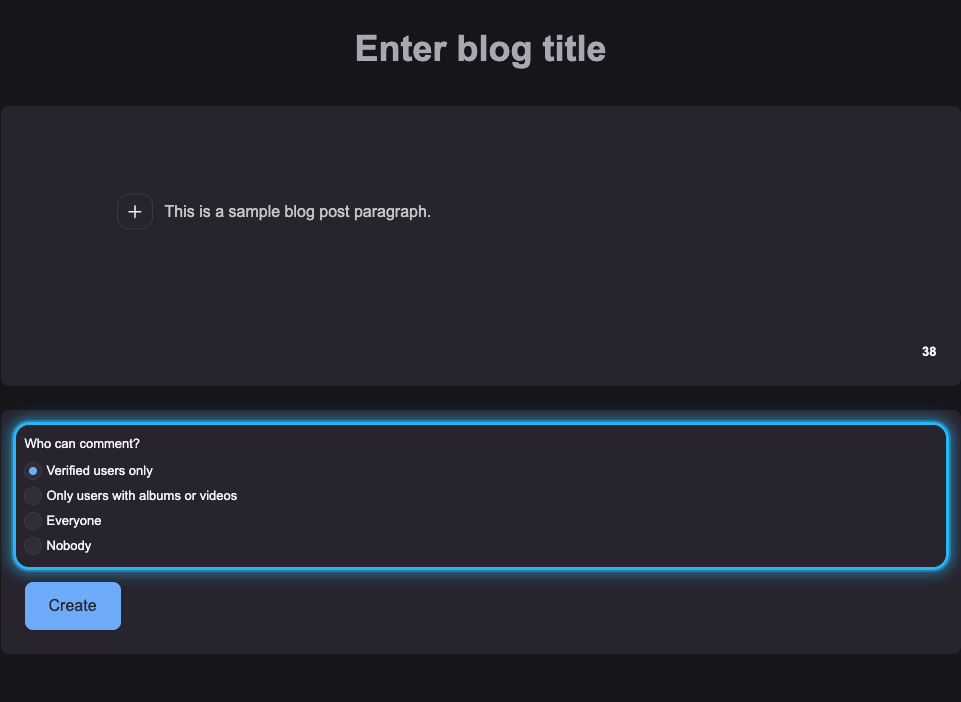
4️⃣ The "Create" button is used to save the article as a draft. The draft can later be edited, deleted, or requested for publication.